Foundation tutorial · Artwork
Preparing artwork for printing
Prepare correctly sized, clear artwork before printing or cutting.
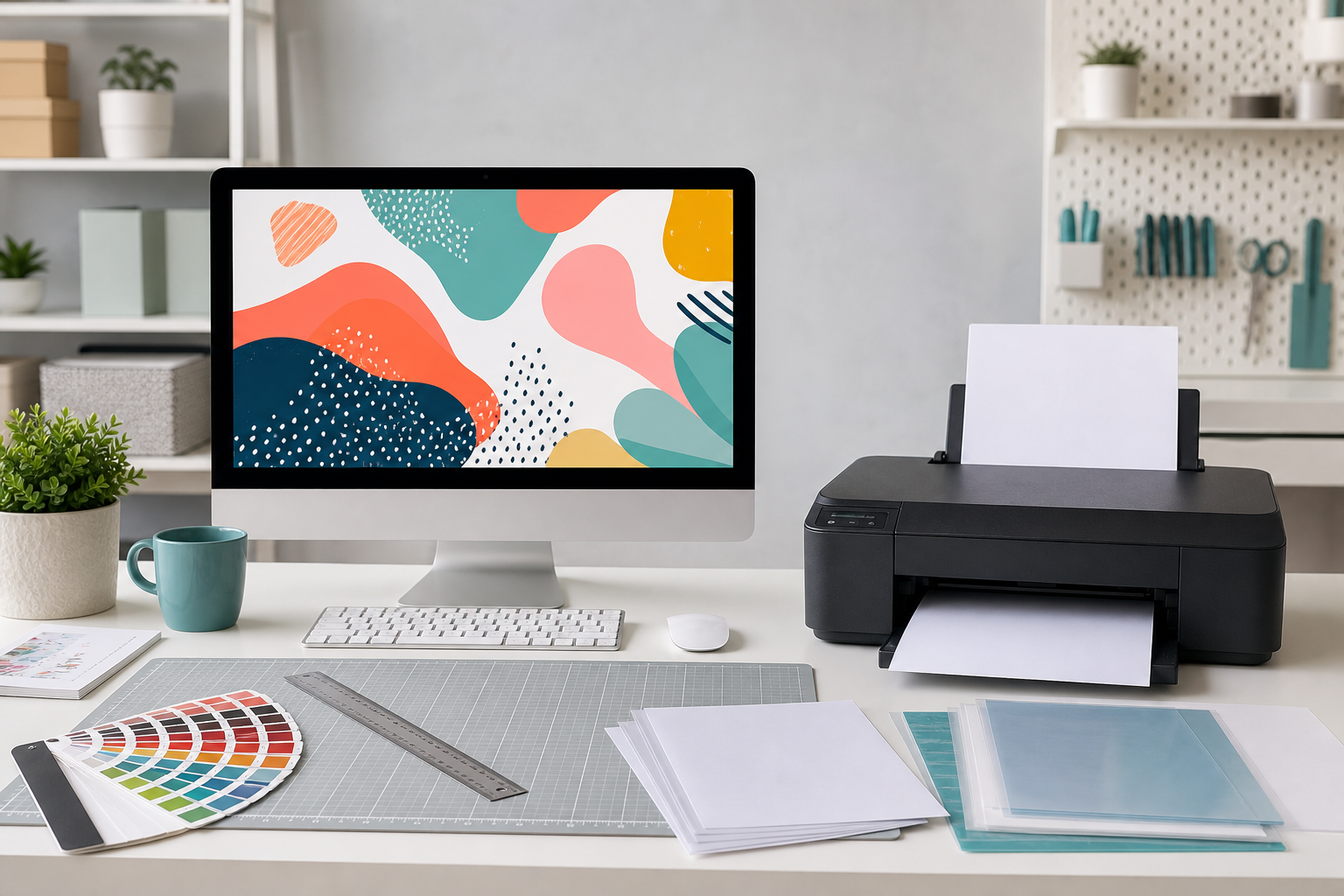
What you need
- Your final design file
- Measurements of the printable area
- Design or print software
- A clear test-print plan
Before you begin
- Confirm the production method.
- Check the required file type.
- Keep an editable master copy.
- Use artwork you have permission to reproduce.
Artwork checklist
| Check | Good starting point |
|---|---|
| Size | Match the measured printable area |
| Quality | Use the highest practical resolution from the original |
| Colour | Expect screen and printed colour to differ |
| Background | Remove it when a transparent background is required |
Step-by-step
Identify the production method
Decide whether the artwork is for sublimation, transfer paper, DTF, vinyl cutting, stickers or another process.
Measure the printable area
Measure the actual blank rather than relying only on a product name or advertised overall size.
Set the document size
Create the design at the final output size and keep important details away from edges.
Check quality and spelling
Zoom in for blurry edges, unwanted backgrounds, missing elements and typing errors.
Save master and print copies
Keep an editable master, then export the correct PDF, PNG or JPEG version for production.
Make a test print
Print on ordinary paper first to confirm size, orientation and placement before using production material.
Common problems
| Problem | Likely cause | Fix |
|---|---|---|
| Blurry print | Small or compressed source | Return to the best-quality original |
| Wrong size | Automatic scaling | Check document and print percentages |
| White box around design | Background was not removed | Use a transparent PNG when supported |